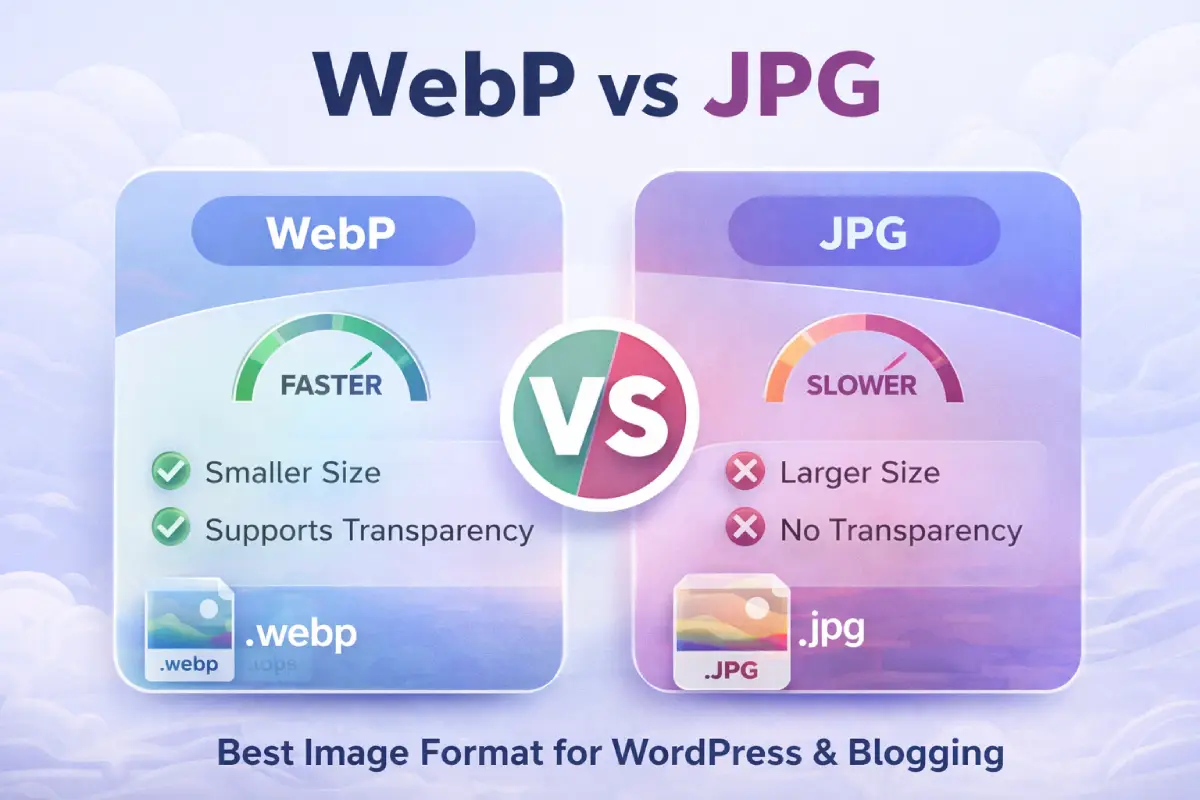
Images are essential for modern websites. They improve visual appeal, increase user engagement, and help communicate information quickly. However, images also significantly affect website speed and performance. Choosing the right image format is critical for SEO, user experience, and page loading time. Two of the most commonly used image formats today are WebP and JPG (JPEG). Each has its own advantages, limitations, and best use cases.
In this article, you’ll learn the differences between WebP and JPG, their pros and cons, and which format is better for websites.
What Is JPG (JPEG)?
JPG (Joint Photographic Experts Group) is one of the oldest and most widely used image formats on the web. It was created in 1992 and is still popular because it offers good image quality with relatively small file sizes.
JPG uses lossy compression, meaning some image data is removed to reduce file size. This compression is usually not noticeable at moderate levels, but heavy compression can reduce image clarity.
Key Features of JPG
- Small file sizes compared to PNG and BMP
- Supported by all browsers and devices
- Ideal for photographs and realistic images
- No transparency support
- Uses lossy compression
Common Uses of JPG
- Blog featured images
- Photography websites
- Product images in eCommerce
- Social media images
- Website banners and thumbnails
What Is WebP?
WebP is a modern image format developed by Google in 2010. It was specifically designed to improve website performance by reducing image file size while maintaining high quality.
WebP supports both lossy and lossless compression, as well as transparency and animation, making it more flexible than JPG.
Key Features of WebP
- Smaller file size than JPG and PNG
- Supports transparency
- Supports both lossy and lossless compression
- Faster loading times
- Designed for modern web performance
Common Uses of WebP
- Website images for faster loading
- WordPress blogs
- eCommerce product images
- Landing pages
- Mobile-optimized websites
WebP vs JPG: File Size Comparison
File size is one of the most important factors for websites. Smaller images load faster, which improves SEO and user experience.
On average:
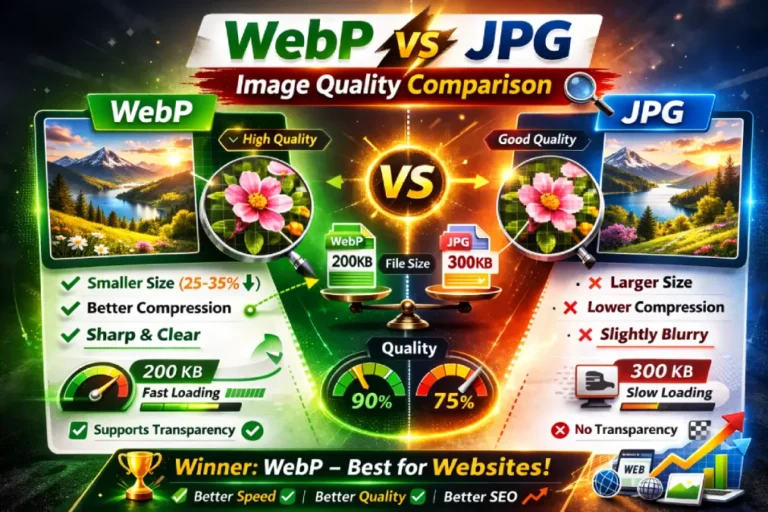
- WebP images are 25% to 35% smaller than JPG at the same quality.
- Smaller file sizes reduce bandwidth usage.
- Faster loading improves Google PageSpeed scores.
For example:
| Format | Image Size |
|---|---|
| JPG | 500 KB |
| WebP | 320 KB |
This reduction significantly improves website performance, especially on mobile devices.
WebP vs JPG: Image Quality
Both formats provide good image quality, but WebP often delivers better results at smaller sizes.
JPG Quality
- High quality at low compression
- Quality decreases with heavy compression
- Visible artifacts may appear
WebP Quality
- Better quality at smaller sizes
- Fewer compression artifacts
- More efficient compression algorithm
In most cases, users cannot see the difference between WebP and JPG, but WebP loads faster.
WebP vs JPG: Website Speed and Performance
Website speed is a major ranking factor for SEO. Faster websites rank higher and provide better user experience.
JPG Performance
- Larger file sizes slow down page loading
- Increased server bandwidth usage
- Slower mobile performance
WebP Performance
- Smaller file sizes improve loading speed
- Better Core Web Vitals scores
- Improved mobile performance
Google recommends using modern formats like WebP to improve performance.
WebP vs JPG: Browser Compatibility
Compatibility is important because images must work across all browsers.
JPG Compatibility
- Supported by 100% of browsers
- Works on all devices
- No compatibility issues
WebP Compatibility
- Supported by all modern browsers including:
- Chrome
- Edge
- Firefox
- Safari
- Opera
- Supported by over 97% of global browsers
Older browsers may not support WebP, but this is rarely an issue today.
WebP vs JPG: Transparency Support
Transparency is useful for logos, icons, and design elements.
- JPG does not support transparency
- WebP supports transparency
This makes WebP more flexible for website design.
WebP vs JPG: SEO Benefits
Image optimization directly affects SEO.
How WebP Improves SEO
- Faster page load speed
- Better user experience
- Lower bounce rate
- Improved Core Web Vitals
- Better Google rankings
Google PageSpeed Insights often recommends using next-generation formats like WebP.
JPG is still SEO-friendly if properly optimized, but WebP provides better performance.
WebP vs JPG: WordPress Support
WordPress fully supports WebP since version 5.8.
Benefits of using WebP in WordPress:
- Automatic WebP upload support
- Faster loading pages
- Works with caching plugins
- Compatible with most themes
Many optimization plugins automatically convert JPG to WebP, including:
- LiteSpeed Cache
- ShortPixel
- Imagify
- Smush
WebP vs JPG: Pros and Cons
WebP Pros
- Smaller file size
- Faster loading speed
- Better compression efficiency
- Supports transparency
- Supports animation
- Improves SEO performance
WebP Cons
- Slight compatibility issues with very old browsers
- Not supported in some old image editing software
JPG Pros
- Universal compatibility
- Easy to edit and use
- Ideal for photography
- Supported everywhere
JPG Cons
- Larger file size
- No transparency
- Lower compression efficiency
- Slower loading compared to WebP
When Should You Use WebP?
Use WebP if:
- You want faster website speed
- You care about SEO performance
- You use WordPress or modern CMS
- Your audience uses modern browsers
- You want smaller image sizes
Best for:
- Blog images
- Website thumbnails
- Landing pages
- Product images
- Mobile websites
When Should You Use JPG?
Use JPG if:
- You need maximum compatibility
- You are sharing images offline
- You are working with older systems
- You need simple image editing
Best for:
- Photography storage
- Email attachments
- Old website support
WebP vs JPG: Real-World Website Example
Imagine a blog page with 10 images.
Using JPG:
- Each image = 500 KB
- Total = 5 MB
Using WebP:
- Each image = 300 KB
- Total = 3 MB
Result:
- 40% faster loading speed
- Better SEO score
- Lower server load
This difference greatly improves user experience.
Impact on Core Web Vitals
Core Web Vitals are Google ranking factors.
WebP improves:
- Largest Contentful Paint (LCP)
- Page loading speed
- Mobile performance
Faster images help pages load quickly, improving rankings.
Conversion and User Experience Benefits
Fast websites increase conversions.
Benefits of WebP:
- Lower bounce rate
- Higher engagement
- Better mobile experience
- Improved conversion rates
Slow websites cause users to leave quickly.
How to Convert JPG to WebP
You can convert images using:
Online tools:
- Squoosh
- CloudConvert
- TinyPNG
WordPress plugins:
- LiteSpeed Cache
- ShortPixel
- Imagify
Software:
- Photoshop
- GIMP
Most modern tools support WebP export.
Should You Replace All JPG Images with WebP?
Yes, in most cases, especially for websites.
However, keep JPG:
- For backups
- For editing purposes
- For compatibility needs
Best practice is to store JPG and serve WebP on your website.
WebP vs JPG for WordPress and Blogging
For blogs and affiliate websites, WebP is clearly better because:
- Faster loading improves SEO
- Better PageSpeed score
- Lower hosting bandwidth usage
- Better mobile performance
Most successful websites now use WebP.
Future of Image Formats
WebP is becoming the standard for web images. Google and modern browsers fully support it. New formats like AVIF offer even smaller sizes, but WebP is currently the most practical and widely supported modern format.
JPG will remain useful, but WebP is the future of website optimization.
Final Verdict: Which Is Better for Websites?
WebP is better than JPG for websites.
Reasons:
- Smaller file sizes
- Faster loading speed
- Better SEO performance
- Supports transparency
- Improves Core Web Vitals
JPG is still useful for compatibility and editing, but WebP is the best choice for modern websites.
FAQ Section
Is WebP better than JPG for WordPress?
Yes, WebP is generally better because it offers smaller file sizes and faster loading speeds, improving SEO and Core Web Vitals.
Does WordPress support WebP?
Yes, WordPress supports WebP from version 5.8 and later.
Will WebP improve SEO?
WebP improves page speed, which is a ranking factor in Google search.
Should I replace all JPG images with WebP?
For websites, yes. However, you may keep JPG for editing and backups.
Enable FAQ schema in Rank Math.
Conclusion
Choosing the right image format is essential for website performance and SEO. JPG has been a reliable format for decades, offering universal compatibility and good image quality. However, WebP provides significantly better compression, faster loading times, and improved SEO performance.
For modern websites, blogs, WordPress sites, and eCommerce stores, WebP is the recommended format. It helps improve speed, reduce bandwidth, and enhance user experience.
If your goal is to build a fast, SEO-optimized website, switching from JPG to WebP is one of the easiest and most effective improvements you can make.
At WebToolyHub, we help businesses navigate this journey — from websites to web applications to custom software — always starting with the problem, not the technology.

Niranjan Raj
Founder & Creative Director
Passionate about building digital solutions that serve real business needs.