
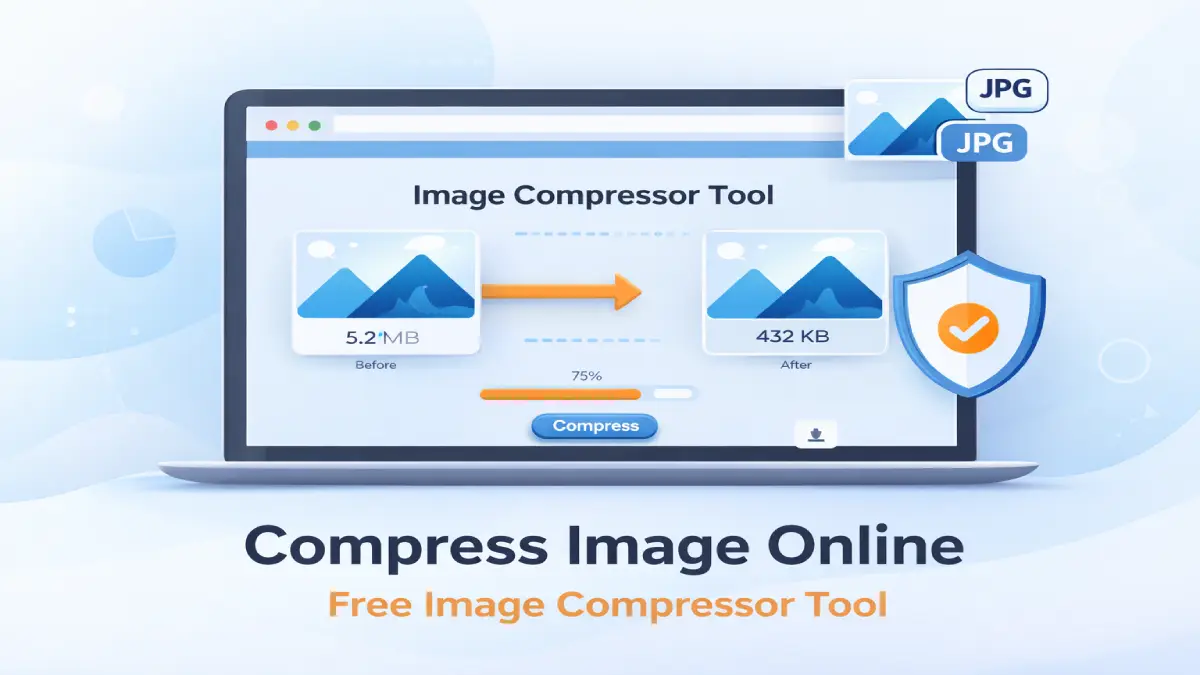
Compress Image Online
Reduce image size without losing quality.
Drag & Drop Image Here
orJPG & PNG supported • Max 5MB
Compress image online easily using our free Image Compressor tool. Reduce image file size without losing quality in seconds.
Our free Image Compressor tool allows you to reduce image file size online without losing quality. Easily compress JPG and PNG images for websites, blogs, and social media in seconds.
How to Compress Images Online
Explain:
- Upload image
- Adjust quality
- Click compress
- Download
Benefits of Using Image Compression
- Faster website speed
- Better SEO
- Lower storage usage
- Improved user experience
Why Image Compression Is Important for SEO
Explain:
- Page speed ranking factor
- Core Web Vitals
- Mobile performance
Frequently Asked Questions (FAQ)
Does compression reduce image quality?
Image compression reduces file size by optimizing image data. When using moderate compression levels (60–80%), the quality difference is usually not noticeable to the human eye. However, extremely low compression settings may slightly reduce sharpness and detail. Our Image Compressor tool allows you to control the compression level so you can balance quality and file size.
Is my image secure?
Yes. Your images are processed securely on our server and are not stored permanently. We do not share, sell, or use your uploaded files. For privacy and security, compressed images are automatically removed from the server after a short period of time. Your data remains private.
What file types are supported?
Currently, our tool supports:
- JPG / JPEG
- PNG
These are the most commonly used formats for websites, blogs, and social media. Support for additional formats like WebP may be added in future updates.
Is this tool free to use?
Yes, our Image Compressor tool is completely free to use. There are no hidden charges, registration requirements, or watermarks added to your images. You can compress images online as many times as you need.
Why should I compress images before uploading to my website?
Compressed images load faster, improve page speed, reduce bandwidth usage, and help improve SEO rankings. Search engines like Google consider page speed as a ranking factor, so optimizing images is essential for better performance.
Will compression change the image dimensions?
No. Compression reduces file size without changing the image width or height. If you need to resize image dimensions, you can use our Image Resizer tool.